Written and verified by NayeemPublished Last verified
Common length limits
Handy when you're writing for a box with a limit. Platforms change these from time to time, so check the site itself if you're close to the edge.
| Post on X (standard account) | 280 characters |
|---|---|
| LinkedIn post | 3,000 characters |
| Search result title | About 50–60 characters before it gets cut off |
| Meta description | About 150–160 characters |
| Common Application personal essay | 650 words maximum |
| SMS message | 160 characters per part (plain Latin text) |
What the counter looks like
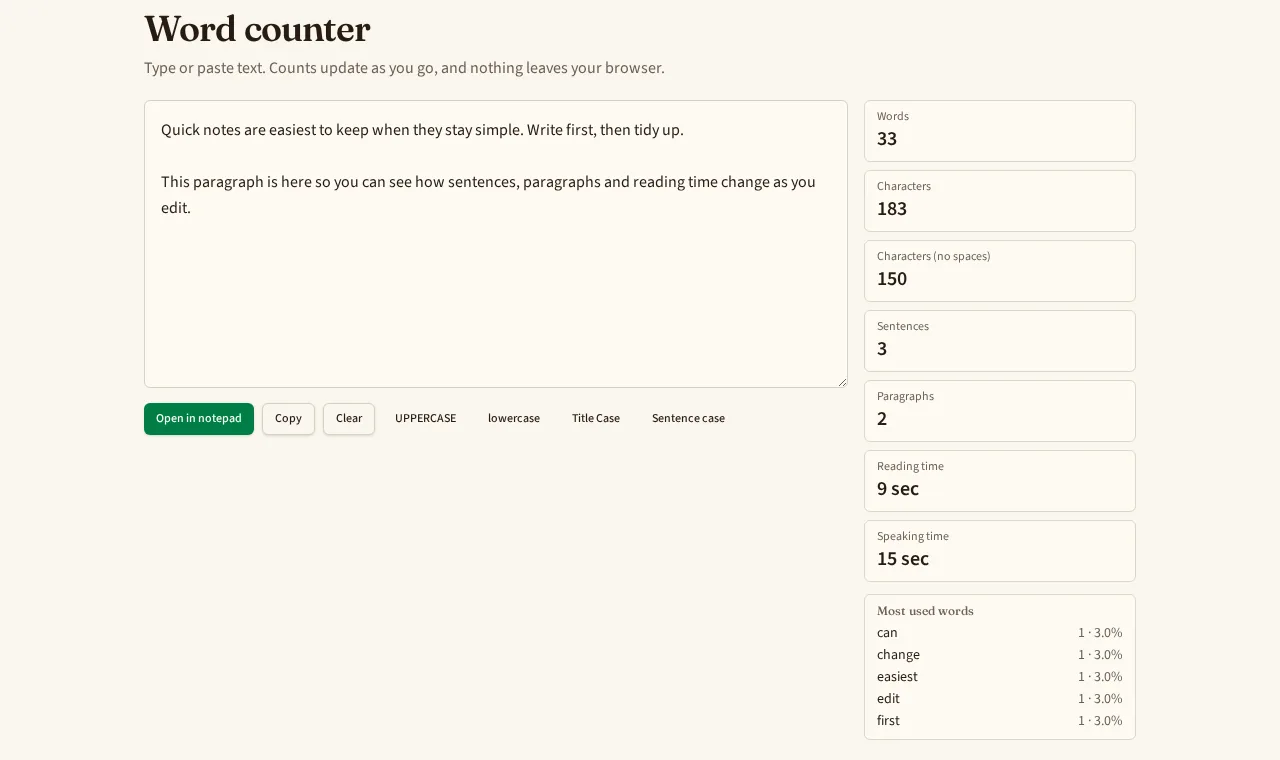
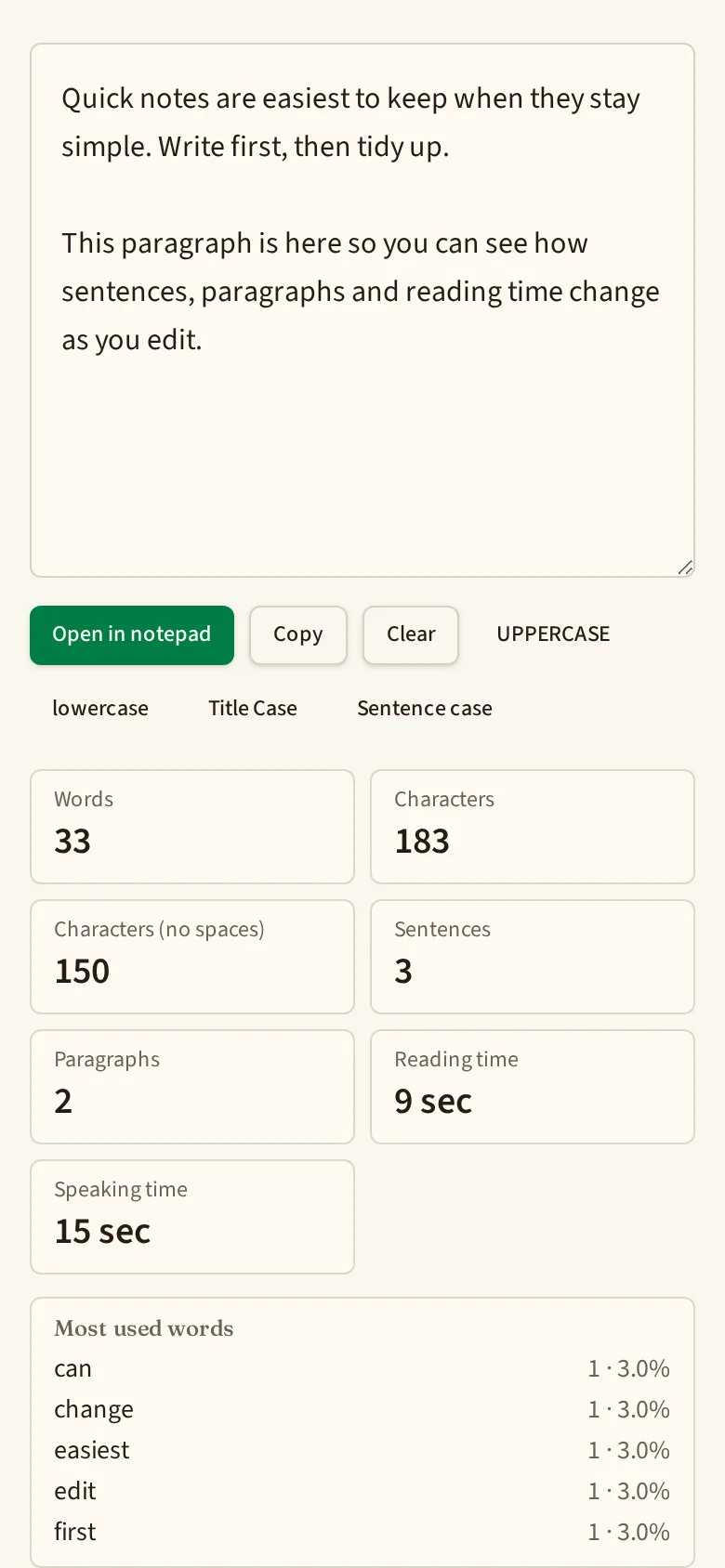
Real screenshots of this page with the built-in sample text loaded.
How this counter counts
- Words are runs of letters or numbers. Apostrophes and hyphens inside a word keep it together, so "don't" and "well-known" are one word each.
- Characters include spaces, line breaks and punctuation. The no-spaces figure removes all whitespace.
- Sentences end at a full stop, question mark or exclamation mark. Decimals like 3.5 and titles like Dr. don't end a sentence.
- Paragraphs are blocks separated by an empty line.
- Most used words skip short filler words such as "the" and "and", and show each word's share of the total word count.
Need to keep writing?
The counter is for quick checks. For drafts you want to come back to, the online notepad autosaves in your browser, shows a live word count, lets you set a word goal, and exports to TXT, Markdown or PDF.
Frequently asked questions
Is my text sent to a server?
No. The counting happens in your browser as you type. The text box is not saved or uploaded; if you close the tab, the text is gone unless you send it to the notepad.
How are hyphenated words and contractions counted?
As one word each. "Well-known" and "don't" each count as 1. Numbers such as 2026 count as a word too.
How is reading time worked out?
Words divided by 225 words per minute for silent reading, and by 135 words per minute for speaking aloud. These are common averages, so your own pace may differ.
Why might my count differ slightly from Word or Google Docs?
Every tool splits text a little differently, especially around symbols, emoji, URLs and dashes surrounded by spaces. Differences are usually a word or two.
Can I keep the text after counting?
Yes. Press Open in notepad and it becomes a new note in Quick Notepad Online, saved in this browser only.