Written and verified by NayeemPublished Last verified
Which case should I use?
Each style below shows what happens to the sample line "the QUICK guide to writing notes".
| Sentence case | The quick guide to writing notes — normal sentences, most UI labels, many headings |
|---|---|
| lowercase | the quick guide to writing notes — tags, casual text, tidying text typed with Caps Lock |
| UPPERCASE | THE QUICK GUIDE TO WRITING NOTES — short labels and warnings; hard to read in long text |
| Title Case | The Quick Guide to Writing Notes — headlines, book and article titles |
| Capitalized Case | The Quick Guide To Writing Notes — every word capitalized, e.g. names in a list |
| camelCase / PascalCase | theQuickGuideToWritingNotes / TheQuickGuideToWritingNotes — variables and class names in code |
| snake_case / CONSTANT_CASE | the_quick_guide_to_writing_notes / THE_QUICK_… — Python names, database columns, constants |
| kebab-case / dot.case | the-quick-guide-to-writing-notes / the.quick.… — URL slugs, CSS classes, config keys |
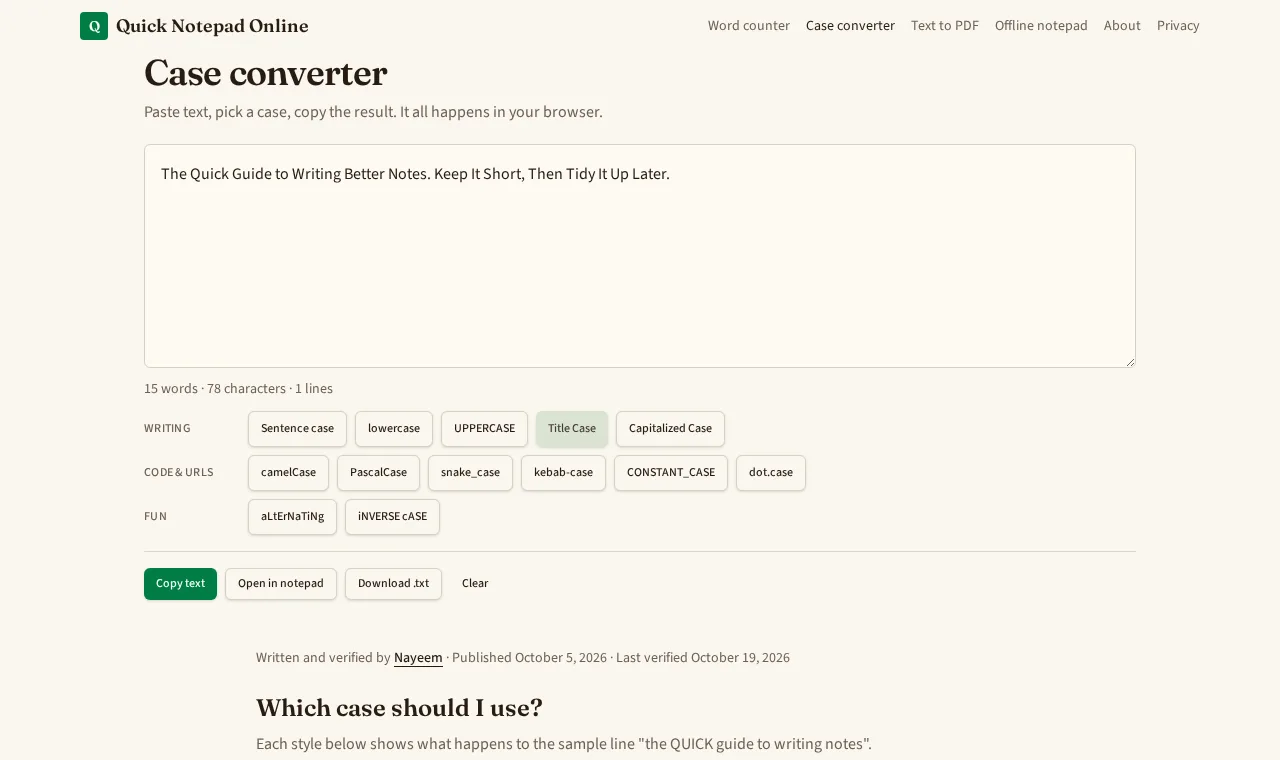
What the converter looks like
A real screenshot of this page after pressing Title Case on the built-in sample text.
How the conversions work
- Sentence case lowercases the text, then capitalizes the first letter after a full stop, question mark, exclamation mark or line break.
- Title Case capitalizes each word except short ones (a, an, and, as, at, but, by, for, in, of, on, or, the, to, vs, via) unless they start a line.
- Code styles split words on spaces, punctuation and existing capitals ("firstName" becomes "first" and "name"), then join them. Each line is converted separately.
- Limits: it can't know which words are names or acronyms, so sentence case turns "NASA" into "nasa". Fix those by hand.
Keep the text
This box doesn't save. Press Open in notepad to keep the result as a note in the online notepad, where it autosaves in your browser. To check length, paste it into the word counter.
Frequently asked questions
Is my text uploaded anywhere?
No. Every conversion runs in your browser. The text box isn't saved or sent anywhere, so it's gone when you close the tab unless you open it in the notepad.
What's the difference between Title Case and Capitalized Case?
Capitalized Case puts a capital on every word. Title Case leaves short words such as a, an, the, of, in, on, and and to in lowercase unless they start the line, which is closer to how headlines are usually written.
Does Title Case follow APA, Chicago or AP style exactly?
Not exactly. It uses one simple rule set for short words. Style guides differ on details like words of four letters or more and words after a colon, so check the guide you're writing for.
Will sentence case fix names and acronyms?
No. Sentence case lowercases everything and then capitalizes the first letter of each sentence, so names like London and acronyms like NASA need fixing by hand afterwards.
How do camelCase, snake_case and kebab-case handle a list?
Each line is converted on its own, so a pasted list of labels becomes a list of identifiers. Punctuation is dropped and existing camelCase words are split first.