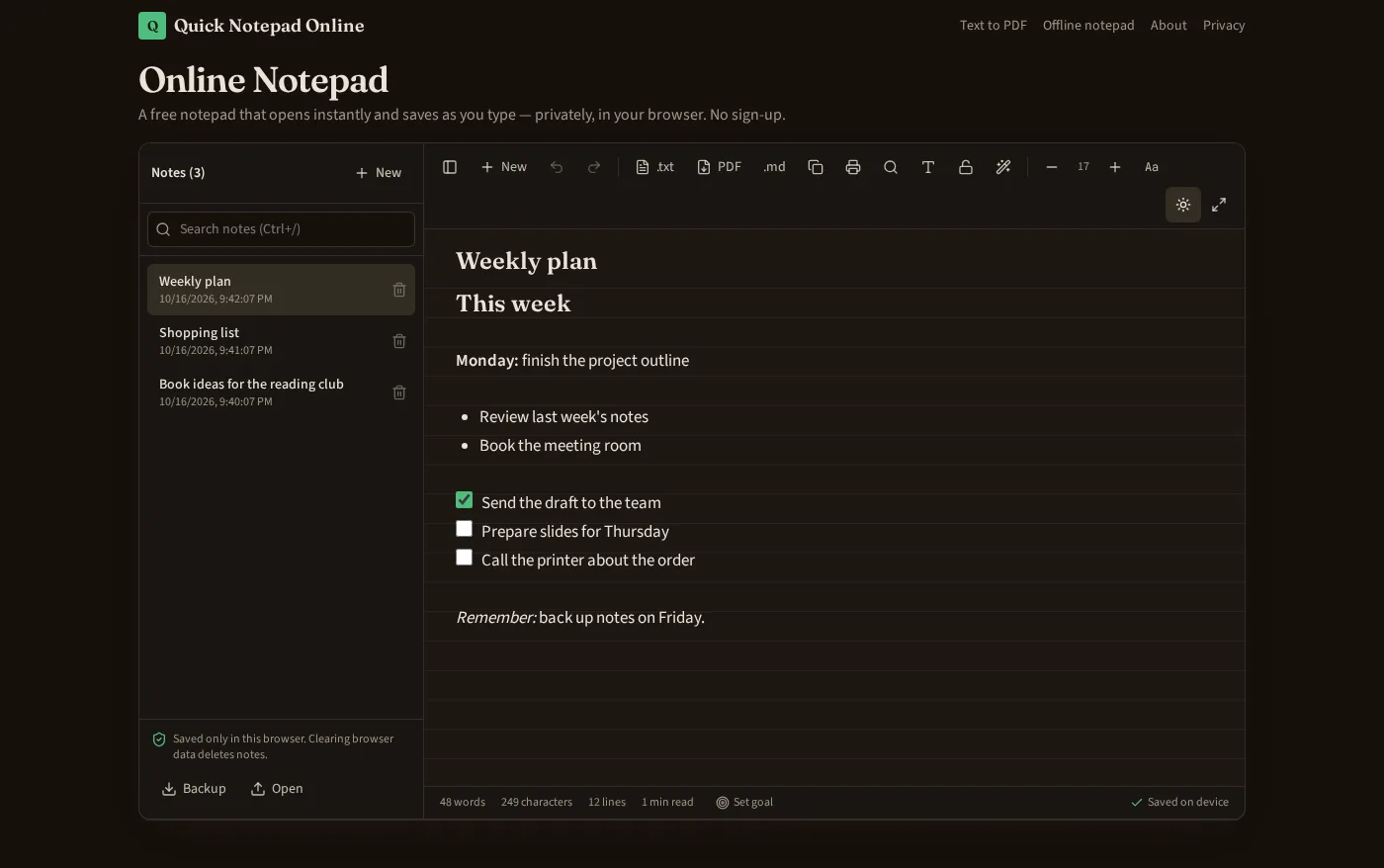
Markdown notepad online, with formatting you can see
Write notes with bold text, headings, bullet lists and tick-off checklists, and see them formatted as you type. Underneath, each note is plain Markdown, so you can export a clean .md file whenever you need it. No account, nothing uploaded.
Written and verified by NayeemPublished Last verified
Open Markdown NotepadFormatting cheat sheet
Tap T in the notepad toolbar to show the formatting bar. Each action and what it saves as:
| Format | How to apply | Saved in Markdown as |
|---|---|---|
| Bold | Ctrl+B or the B button | **text** |
| Italic | Ctrl+I or the I button | *text* |
| Heading | Heading button | ## Heading |
| Bullet list | Bullet list button | - item |
| Checklist | Checklist button, then tick the box | - [ ] to do / - [x] done |
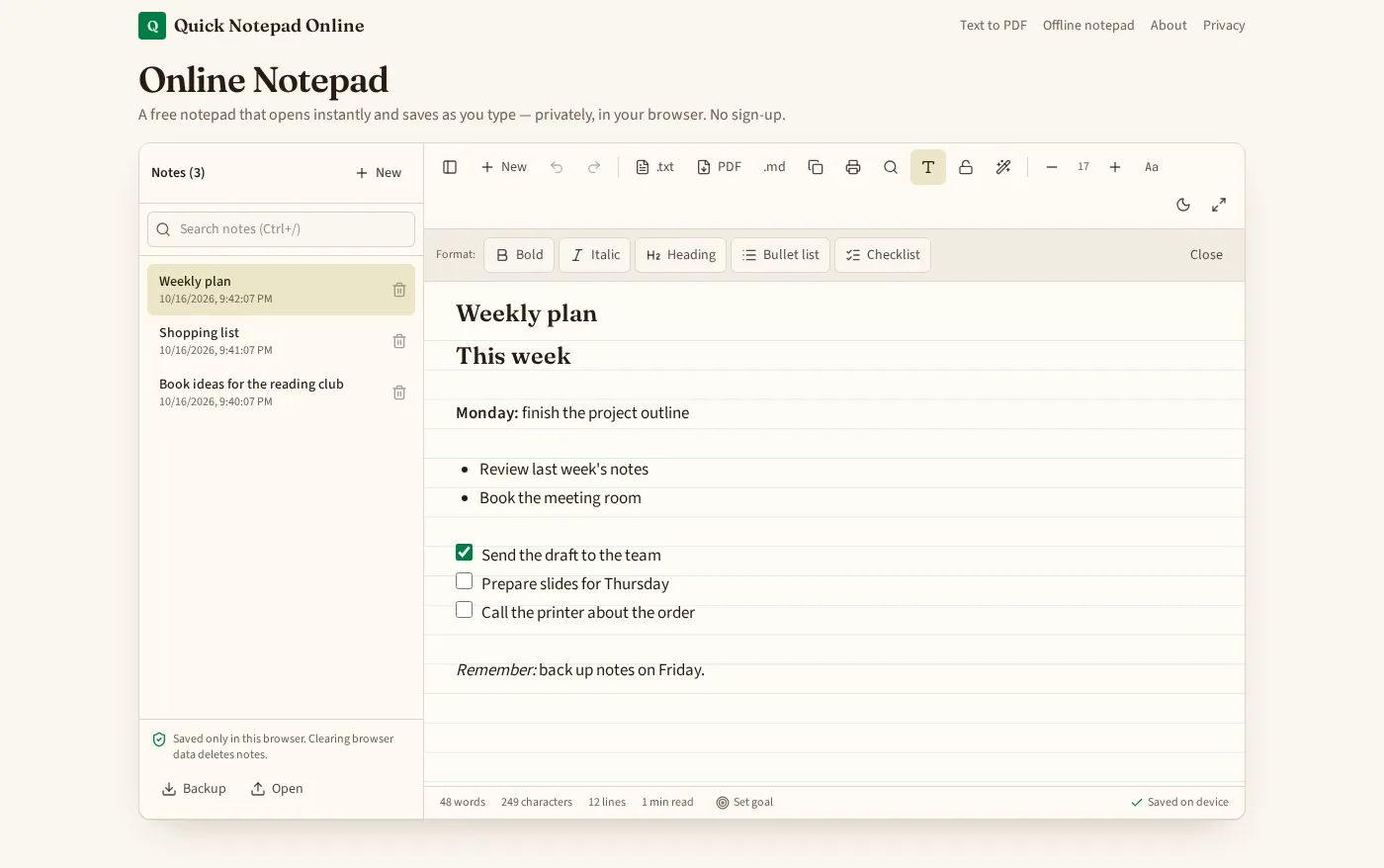
Checklists you can tick off
Put the cursor on a line and press the Checklist button to turn it into a to-do item. Click the box to mark it done; the note saves the change at once, so shopping lists, packing lists and task lists keep their state after a reload.
Clean .md export and local storage
Choose Markdown in the export menu to download the current note as a .md file using the syntax in the table above. TXT export gives the same text without formatting marks, and PDF keeps the visual styling.
| Stored as | Plain Markdown text, one line per paragraph or list item |
|---|---|
| Saved where | This browser's local storage on your device — no server |
| Exports | Markdown (.md), plain text (.txt), PDF, and a JSON backup of all notes |
| Pasting | Pasted text comes in as plain text, so stray web styling isn't copied |
| Locked notes | Can't be exported until unlocked |
Because nothing is synced, notes live only in this browser. Make a Backup before clearing browser data, and see the offline notepad page to install it for use without internet.