Written and verified by NayeemPublished Last verified
How it works
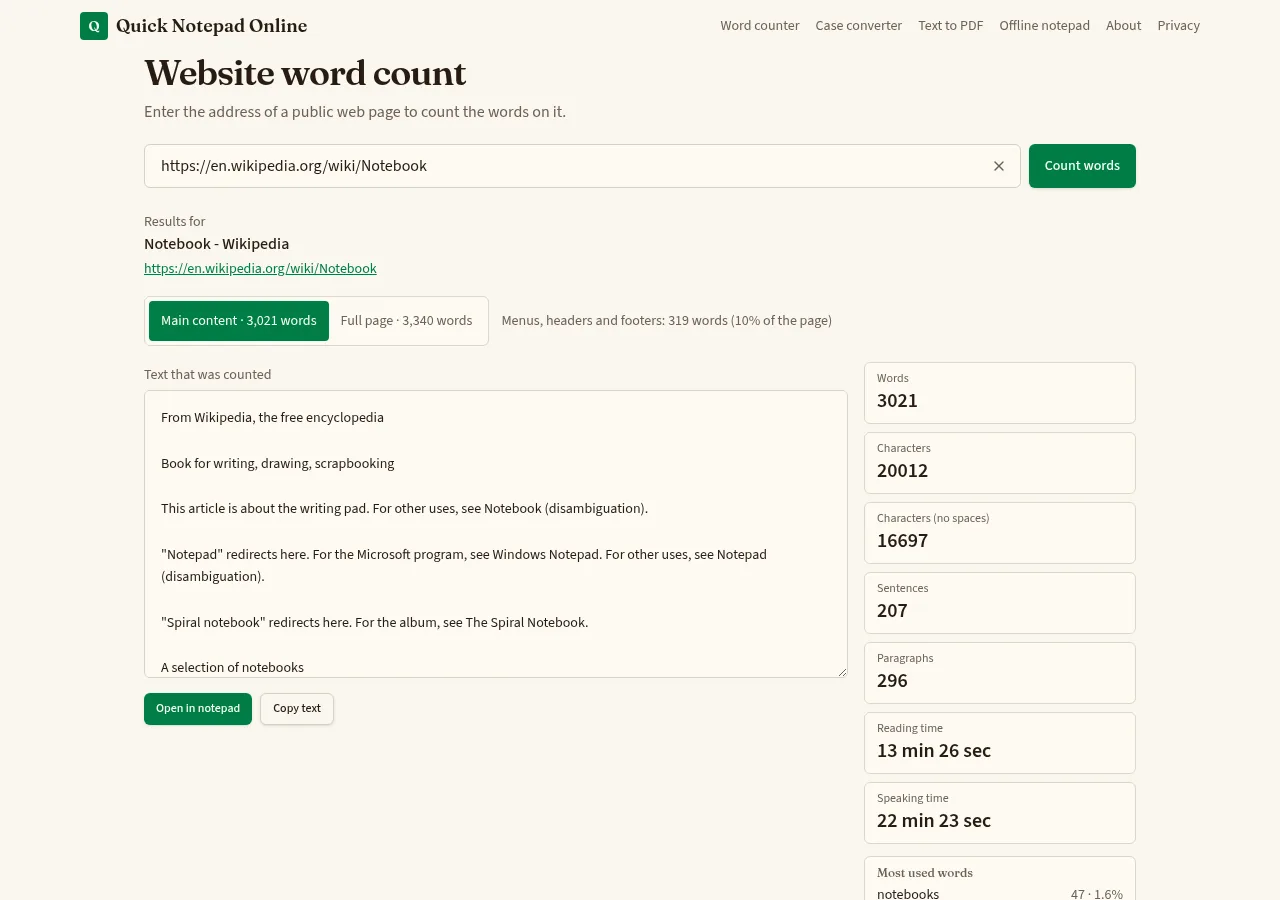
- Our server requests the page once, the way a simple browser would, without running the site's JavaScript.
- Scripts, styles, hidden templates and code comments are removed. Only text a reader could see is kept.
- Main content uses the page's main content area (
<main>,<article>or a standard content container) and drops menus, headers, footers, sidebars and forms. Full page keeps all visible text. - The text comes back to your browser and is counted with the same rules as our word counter.
What it can and can't read
| Works with | Public HTML pages such as blog posts, articles, documentation and landing pages |
|---|---|
| Pages built by JavaScript | Often show little or no text, because site scripts aren't run |
| Login, paywall or bot protection | Not supported; the site may refuse the request |
| PDFs, images, videos | Not counted |
| Page size | First 3 MB of HTML |
| Time limit | 10 seconds per page, up to 4 redirects |
| Addresses | Public http/https sites only; private networks and IP addresses are blocked |
Privacy
This is the one tool on the site that uses our server, because browsers can't read other websites directly. The address you enter and the text we extract are used only to send you the result. This tool doesn't save them, and nothing is added to your notes unless you press Open in notepad. Google Analytics records page visits as described in our privacy policy.
Counting your own draft instead?
Paste text into the word counter, which runs entirely in your browser, or write in the online notepad with a live word count and word goal.
Frequently asked questions
Why does this tool need a server when the word counter doesn't?
Browsers block one website from reading another website's pages. To read the page you enter, our server fetches its public HTML once, pulls out the text and sends it back to your browser. The address and text are not saved or logged by this tool.
What is the difference between main content and full page?
Main content is the text inside the page's main content area (such as <main>, <article> or a standard content container) with menus, headers, footers and sidebars removed. Full page is all visible text, including navigation and footer links. Scripts, styles and hidden code are never counted.
Why does a site say it refused the request?
Some sites block automated visitors, require a login or sit behind a paywall. We don't try to get around those protections. Copy the text from the page yourself and paste it into the word counter instead.
Why is the count lower than I expected?
Pages that build their text with JavaScript after loading send almost nothing in their initial HTML, and this tool doesn't run the site's scripts. Text inside images, PDFs and embedded videos isn't counted either.
Can I keep the extracted text?
Yes. Use Open in notepad to save it as a new note in this browser, or Copy text to paste it elsewhere.